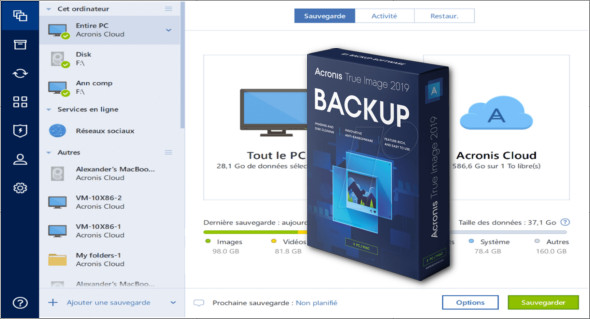
Acronis True Image 2019 software for Windows is the practical tool that will provide you with complete backup and restore functions for your valuable data.
Acronis True Image 2018 can be used to create both disks and images. With this application, the recovery process can be performed even if your Windows installation becomes unbootable, as it allows you to create bootable recovery media.
The program has many useful features. All backup files created with Acronis True Image can be easily installed as a virtual drive. Besides backing up data, this application can also be used to clean up junk files. This powerful application becomes a complete backup solution with a wide range of options in the startup menu.
Features of Acronis True Image 2019 for Windows:
– Lightweight and powerful backup and restore solution
– Comprehensive backup and restore features
– Create a disk and drive images with restore capabilities
– Load the application before loading the operating system
– Create a bootable rescue disk or a USB drive
– Apply various modifications
– Mount and manage virtual drives
– Copy specific data from the backup
– Create an exact copy of the partition
– Split, encrypt, and validate backups
– Create an exclusion list and various adjustments
– Send notifications by email
– Various security and privacy tools
– Search for traces of activity
– Many other powerful features
Configuration :
– Windows (x32/x64 Bits): 7, 8, 8.1, 10
– Processor: 1 GHz
– RAM: 2 GB
Language : French
Size : 568.1 MB
This article was updated on April 6, 2019