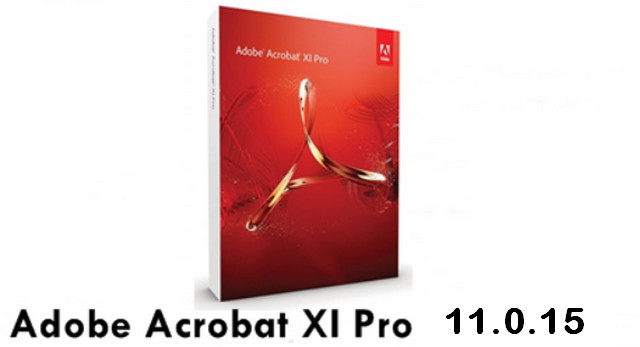
Adobe Acrobat XI Pro allows you to create, merge, modify and control documents in PDF format.
The software allows you to create PDF documents from any application with a printing function. This makes it possible to generate PDF files from your Office documents, Outlook, Internet Explorer, Publisher, Access, AutoCAD, Lotus Notes, etc., using a virtual printer.
Its new interface makes it easier to edit text and images, and the action manager avoids time-consuming repetitive steps.
You also have the option to save a new PDF project as an editable and customizable PowerPoint presentation. Finally, Adobe Acrobat XI Pro It has features specifically dedicated to creating web forms, with customizable templates and the Adobe FormsCentral application.
Acrobat XI Pro It offers businesses the ability to create professional-quality PDF communications. The application is now geared towards collaborative work. This allows you to collaborate with colleagues, clients, and partners through electronic reviews, using fillable PDF forms and other online services. Acrobat X Pro manages portfolios with layouts and visual themes for storing a wide range of files.
System requirements
1.5 GHz or faster processor
Microsoft Windows Server 2008 R2 (64-bit), 2012 (64-bit), or 2012 R2 (64-bit); Windows 7 (32-bit and 64-bit), Windows 8, 8.1 (32-bit and 64-bit) or Windows 10 (32-bit and 64-bit)
1 GB of RAM
4.5 GB of available disk space
Screen resolution 1024×768
Internet Explorer 8, 9, 10 or 11; Firefox (ESR)
Video hardware acceleration (optional)
Facility:
1. Turn off the internet.
2. Run the AcrobatPro_11_Web_WWMUI.ex installer as administrator, and select the "Use a trial or subscription" option.
3. Install the program and close it.
4. Install the AcrobatUpd11014.msp update and then close.
5. Install the AcrobatSecUpd11015.msp update and then close.
6. Run the Universal Adobe Patcher v1.5 as administrator.
7. Select “Adobe Acrobat XI Pro (32-Bit)” from the drop-down menu and click “Patch”.
- Language: French/Multilingual
- Size: 749.97 MB
This article was updated on December 13, 2018