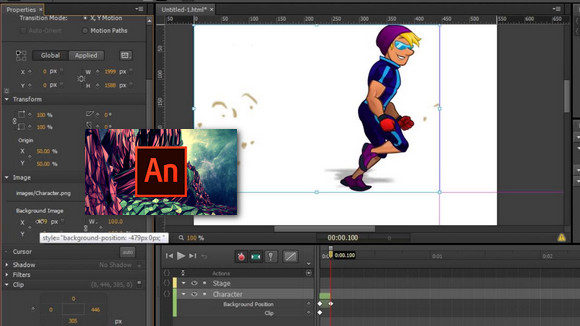
Create interactive animations using advanced drawing tools, and publish them on various platforms (Flash/Adobe AIR, HTML5 Canvas, WebGL, or even custom platforms). This allows you to target televisions, as well as virtually all workstations and mobile devices.
New products
Integrated virtual camera
Use the built-in virtual camera to pan and zoom in and out on your animations, just like with a camcorder. You can even add tints and apply filters.
Reusable components
Now you can easily add and reuse common components, such as video players, buttons and carousels, in your HTML5 Canvas documents.
Improvements made to vector brushes
Create and share vector brushes, convert pattern brushes into artistic shapes, and express yourself more freely with improved pressure and tilt sensitivity.
Export made easier
You can now export prototype elements or excerpts in GIF, JPEG or PNG format and easily share them on social media, in instant messages, as well as via email and SMS.
Configuration:
– Windows (x64 Bits): 7 SP1, 8, 8.1,10
– Processor: Intel Pentium 4/Core Duo/Centrino
– RAM: 2 GB
– Disk space: 4 GB
Facility :
1. Disconnect from your internet connection and install Adobe Animate.
2. Add the Animate directory to the exclusions in your antivirus (as a precaution).
3. Copy and replace " amtlib.dll in the installation directory
C:\Program Files\Adobe\Adobe Animate
- Language : French
- Size : 1.3 GB
This article was updated on November 7, 2016