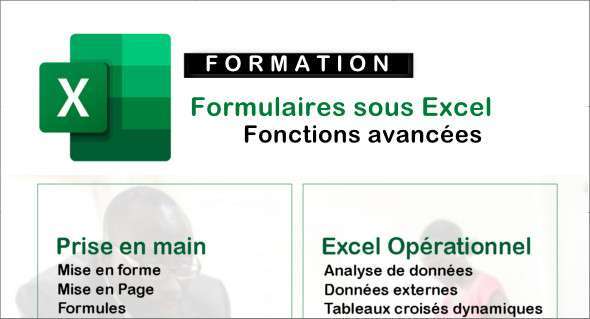
The "Forms in Excel" training course is designed to teach participants the skills needed to effectively create, use, and manage forms in Excel. You can also use The essentials of Excel.
Participants will learn to use basic mathematical formulas to perform simple calculations, to use predefined functions to perform more complex calculations, to create pivot tables to analyze data, to use forms to enter and validate data, and to use tools to automate common tasks. The training includes practical demonstrations and exercises to allow participants to apply the skills learned.
Key points of this Excel Forms training
- Introduction
– Revisions
– The multiline textbox
– The calendar
– Editable list areas – combobox
– Global label and variable
– Modules and macros
– Révisions des conditions – Les %22Si%22 et les %22If%22
– Textbox verification
– A number in the postal code – Isnumeric
– Checking comboboxes (editable list area)
– Checkbox verification
– Scrollbar – presentation of a scroll bar
– Define the maximum number of scrollbars
– Navigate using a scrollbar
– Checkboxes – To be included in the navigation
– Add a line via the form
– Modify data via the form
– Delete a row via the form
– Reaching the last line of a table
Format: MP4 (24 Files)
Language : French
Duration : 2 hours 19 minutes
Size : 272.51 MB
Forms in Excel – Advanced Functions
This article was updated on January 15, 2023