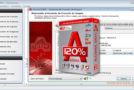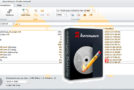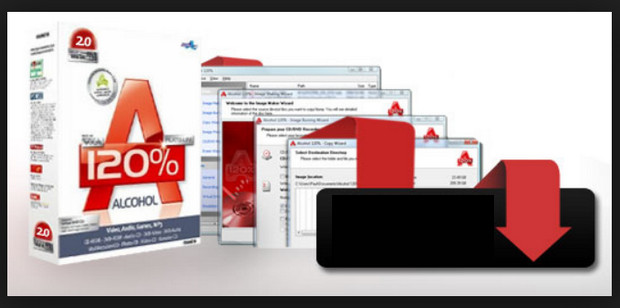
Alcohol 120% is entering the territory of two leading backup copy software providers, namely DAEMON Tools Lite and Clone CD.
The program includes the ability to create perfect images of CDs and DVDs and store them on the hard drive.
The software is then able to manage a collection of CD images, which is useful for playing a game without having to insert the CD into the drive.
The software's second feature complements the first, as it is also capable of burning an image to reproduce the original CD or DVD exactly.
Minimum configuration:
– Windows XP/Vista/7/8
– Processor: 1 GHz
– RAM: 32 MB
– Disk space: 22 MB
Facility:
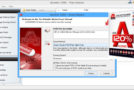
1 – Open the file “Alcohol 120 2.0.3.8703.exe” and install the software.
2 – Copy/paste the “MSIMG32.dll” file from the “Activation” folder into the installation directory.
- Language: Multilingual
- Size: 8.12 MB
This article was updated on July 21, 2016