Are you busy and don't have time to reply to messages from your friends on the Facebook social network? In this tutorial, we will discover a very practical tool that allows you to automatically reply to Facebook messages in a simple and efficient way.
Relaxed is an online tool for automatically replying to Facebook messages. With this service, you can schedule an automatic reply to your friends when you're not online.
Once activated, this tool will respond to all messages continuously, even if you log out of your Facebook account.
To begin, go to the website self-relaxation.
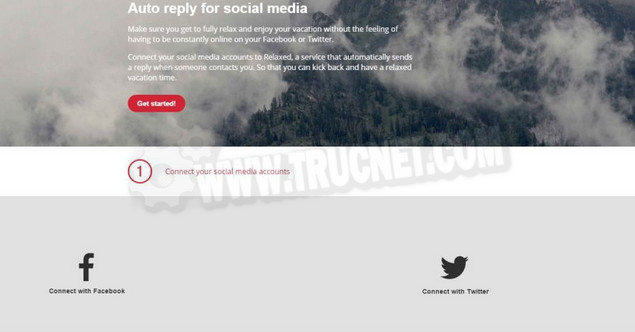
Next, click the red "Get started" button on the site's homepage. Choose Facevook by clicking on » Connect with Facebook « . Allow the Relaxed app to access your Facebook account.
You are now logged in with your Facebook account. Now, write a self-answer on the site, choose the activation period, and finally click on " Activate "
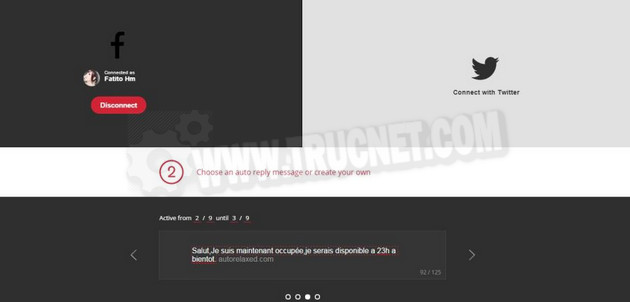
That's it! And if you want to change the vacation dates or disable this autoresponder, simply click on the " turn off "To stop everything."
This article was updated on August 10, 2021