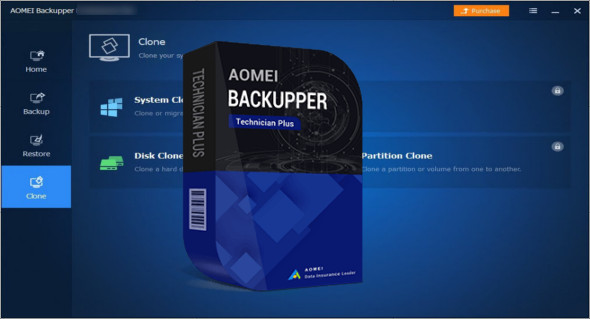
AOMEI Backupper Technician Plus Bootable is a powerful and reliable data backup utility that can protect data from loss and provides support for data synchronization with the backup destination. You can also use Other editions of AOMEI Backupper + Portable .
AOMEI Backupper Technician Plus WinPE Boot is a reliable and powerful data backup and restore application with a variety of customizable settings and advanced backup features. It can create system and data backups and schedule backups accordingly. You can download other editions. Here
Features of AOMEI Backupper Technician Plus
– Back up specialized partitions that store your important information to prevent disk failure.
– Specify the files or folders to back up; it is possible to customize folder backups with filters.
– Synchronize files and folders in real time or with a scheduled task for automatic data updates between devices.
– Save only the modified data to save time and disk space.
– Back up using the command line prompt or bath scripts for automatic backups and multiprocessing.
– Automatically delete old backup images based on the specified value.
– A technology allows for backups without interrupting or stopping Windows and other running applications.
– Automatically perform the backup task when the user logs in, when the user logs out, when the system starts, when the system shuts down.
– Partition recovery helps you rebuild partitions that have been overwritten due to bad operations, etc.
– Restore files & folders that are lost, damaged or accidentally modified.
– It is sufficient to recover individual files without restoring the entire image.
– Optimize storage performance, especially for an SSD after restoration.
– Recover servers that have a system failure or are damaged under Windows PE.
– Adjust the partition sizes to fit the new destination location during cloning.
– Optimize storage performance, especially for an SSD after cloning.
– Clone all sectors (used and unused sectors) to a destination disk.
Version : Technician Plus 7.3.3 /WinPE: Technician Plus 7.3.1
Language : Multilingual (French included)
Size : 308.42 MB /WinPE Boot: 712.63 MB
Configuration:
– Windows (x32/x64 Bits): 7, 8, 8.1, 10, 11
AOMEI Backupper Technician Plus Pre-activated 7.3.3
AOMEI Backupper WinPE Boot Technician Plus 7.3.1
This article was updated on November 6, 2023