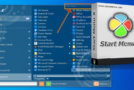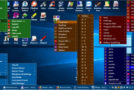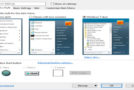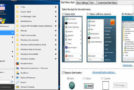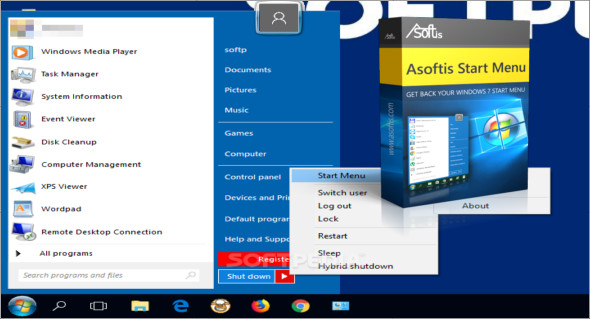
Asoftis Start Menu is optimized for Windows 8, 8.1, and Windows 10, containing all the basic features you used in previous operating systems. Setting up Asoftis Start Menu is simple, allowing you to launch it immediately upon system startup and integrate a Windows key into your keyboard.
On the left, you will find a list of the most frequently used programs. On the right, you will find a standard menu, for example to open a "This PC" window or to display the standard settings in the "Control Panel" menu.
Compared to the standard Start menu, Asolicis' Start menu contains an option to choose how to shut down a PC, using a standard method or using a "hybrid shutdown" when powering on the computer, which then allows you to quickly boot the system.
Configuration:
– Windows (x32/x64 Bits): 8, 8.1, 10
– Processor: 1 GHz
– RAM: 1 GB
Language : English
Size : 15.3 MB
This article was updated on November 24, 2018