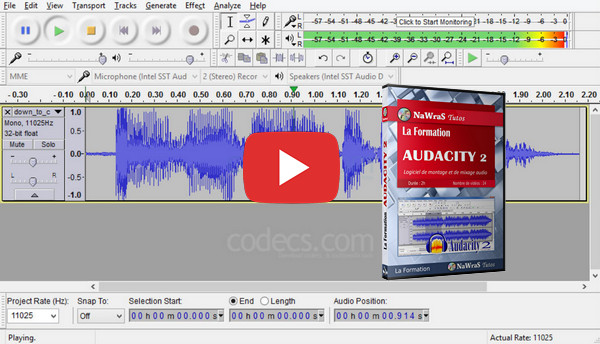
Audacity 2 is an audio editing and mixing software. You can record your own audio tracks if you have a microphone.
You can then mix several tracks together. Audacity 2 has many effects that you can easily configure and apply: tremolo, wah-wah, echoes, etc.
You'll learn how to manage the volume, balance, frequency, and effects of multiple audio tracks. Once your project is complete, you can export it in several formats: mp3, wav, ogg, etc.
- Language: French
- Duration: 2 hours
01 – Discover the application
1- Discover navigation
2- Capture a piece
3- Save a project
4- Secure the changes
02 – Creating and editing audio tracks
1- Navigate through an audio track
2- Select an audio track
3- Copy or delete an audio track
4- Edit an audio track
5- Use multiple audio tracks
6- Configure the tracks
7- Use audio track markers
8- Adjust the sound volume
03 – Mix the audio tracks
1- Speed up or slow down reading
2- Add sound elements
3- Set up a fade
4- Integrate sound effects
5- To create a mix
04 – Saving and using files
1- Analyze an audio track
2- Use the screenshot tool
3- Edit the track information
4- Export a piece
05 – Configure and customize the application
1- Automate with scripts
2- Customize the interface
3- Using and modifying keyboard shortcuts
This article was updated on October 19, 2016