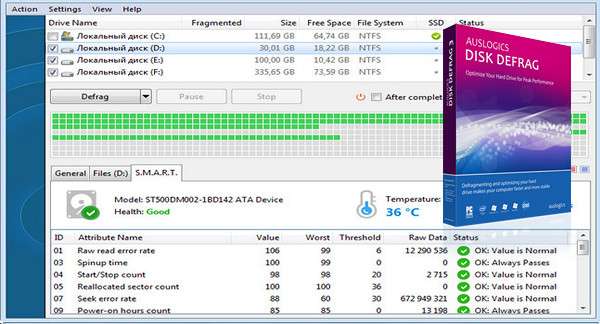
Have you noticed that some of your applications are taking a long time to start? Perhaps it's time to defragment your hard drive with Auslogics Disk Defrag.
Auslogics Disk Defrag – a compact and fast defragmentation tool that works with FAT16/32 and NTFS file systems. The program uses a series of algorithms that optimize and manage the files on your hard drive, defragment the file structure, and speed up applications and Windows.
Auslogics Disk Defrag was designed to solve problems. It's optimized to work with both modern and older hard drives. Auslogics Disk Defrag is very easy to use, requires only a quick scan, and is much faster than other defragmentation tools. It allows you to achieve decent disk speeds without the cost of upgrading your disk system. And most importantly, the program is completely free.
Main features
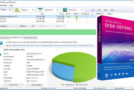
Auslogics Disk Defrag detects fragmented files on your hard drives. These files are what cause the read/write head to move, resulting in reduced read speeds. Using it requires no special computer knowledge thanks to its intuitive interface where all functions are clearly labeled.
Configuration:
– Windows (x32/x64 Bits): XP, Vista, 7, 8, 8.1, 10
– Processor: 1 GHz
– RAM: 512 MB
– Disk space: 20 MB
Facility :
* During the installation of Auslogics Disk Defrag Free, the program will offer to install Bitable (changing your browser's homepage), be sure to click on " Skip "If you do not want this option."
– Run the file disk-defrag-setup.exe for the installation
Portable version
– Launch the file ausdiskdefragportable.exe
Language Multilingual (including French)
Size : 13.0 MB
This article was updated on February 22, 2017