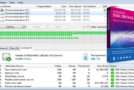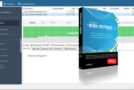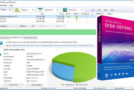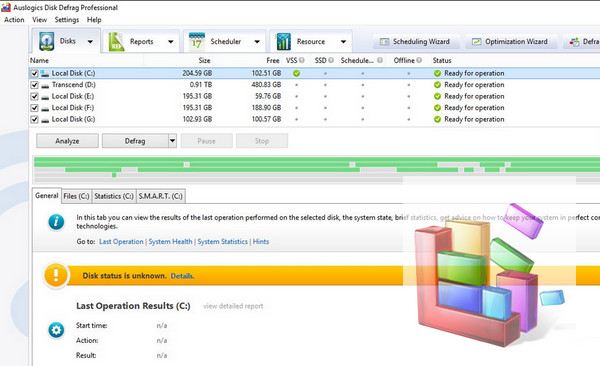
In the realm of defragmentation, you have the choice between Windows' built-in tool, which isn't necessarily the most practical or efficient, paid tools like O&O Defrag Free or PerfectDisk, and a few free but more "power user" tools like Contig. Auslogics Disk Defrag is both free and user-friendly.
Let's be clear from the start: it doesn't offer much in terms of features compared to the Windows defragmenter, aside from greater speed (which is something) and a more user-friendly interface, with a disk representation using colored squares, similar to OpenOffice.org. You won't find the advanced scheduling or defragmentation type options of the aforementioned paid software, but simply the essentials: analyzing and defragmenting a disk in two clicks. However, it's in terms of performance that it truly shines, boasting one of the best defragmentation rates we've seen.
Configuration:
Windows: XP SP3, Vista SP2, 7, 8, 8.1, 10 (32-bit or 64-bit)
CPU: Any Intel/AMD
RAM: 512 MB
HDD: 25 MB
Facility:
1. Install Disk Defrag Pro
2. Go to the ? tab then Registration
3. Register with the serial number
- Language: French / Multilingual
- Size: 8.2 MB
This article was updated on September 3, 2016