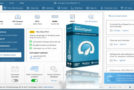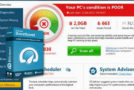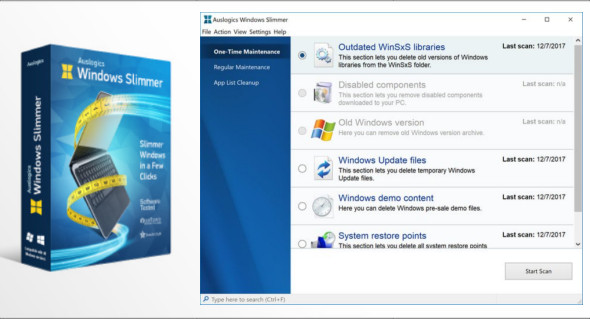
Windows Slimmer offers an easy way to remove unnecessary Windows components, uninstall applications, and adjust settings to reduce your operating system's footprint on your hard drive, decrease the amount of memory and CPU power it uses, and protect your privacy by preventing unnecessary data transmission. You can also use Yamicsoft Windows 10 Manager.
Even after regularly cleaning up junk files, your Windows installation can still contain hundreds of unnecessary system files, applications, and other items that can slow down your PC. Items such as old system restore points, Windows Update files, outdated Windows libraries, or disabled system components can take up a lot of disk space and reduce performance. Run a scan with Auslogics Windows Slimmer and thoroughly clean your operating system.
Features of Auslogics Windows Slimmer Professional
– A powerful application for cleaning the system
– Simple and straightforward application with an intuitive user interface
– Provides assistance for real-time system cleaning and removal of unnecessary parts
– A variety of improvements and bug fixes to enhance productivity
– Provides a variety of customizable settings and advanced features for better results
– Offers maximum performance and improved productivity
– A precise set of tools with a simple user interface
– Increases system performance and saves disk space
– Regular maintenance and much more to explore
Version : Pro 3.2.0
Language : Multilingual (French included)
Size : 34.38 MB
Configuration:
– Windows (x32/x64 Bits): 7, 8, 8.1, 10
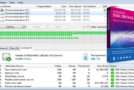
Auslogics Windows Slimmer Pro 3.2.0 + Portable
This article was updated on August 27, 2021