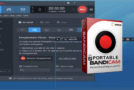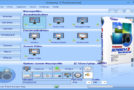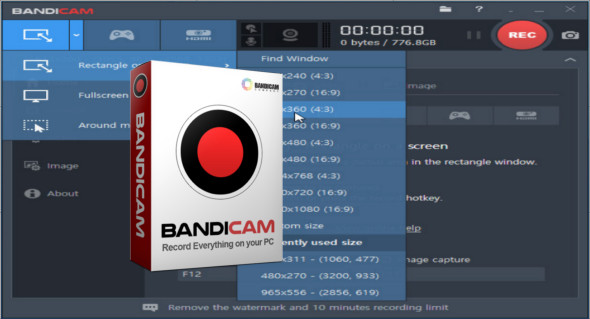
Bandicam is a multimedia screen capture application that lets you record any area you want on your PC screen. The recorded video quality will be closer to the original thanks to a high compression rate. Simply select the target (an area of your screen or a window) and specify the mode and a few quick and easy settings (FPS, audio and video format).
– Supports H.264, Xvid, MPEG-1 and MJPEG video codecs
– Supports PCM and MPEG-1 Layer II audio codecs
– Supports AVI (.avi) video format
– Support for MPEG-1 video codec VBR mode
Key features of Bandicam:
– Bandicam can record DirectX / OpenGL programs like Fraps (Fraps Alternative, Better than Fraps®)
– The size of the recorded file is much smaller than other software (Bandicam compresses the video during recording)
– You can upload the recorded file to YouTube without conversion (Full HD 720p / 1080p video is possible)
– You can record for more than 24 hours continuously (the full automatic recording function can be used)
– You can record videos at resolutions up to 2560×1600 in high quality
– You will experience much less lag than with other capture programs (it uses much less CPU/GPU/HDD)
Improved recording performance using a hardware-accelerated H.264 encoder.
– Bandicam provides a hardware-accelerated h.264 encoder
– Nvidia® CUDA / NVENC H.264 encoder
– Intel® Quick Sync H.264 video encoder
– AMD APP H.264 Encoder
Image-capturing of games and streaming videos
– BMP, PNG and JPEG image format support
– Continuous image capture
Frame Rate Control (FPS Management)
– FPS Overlay (Show FPS) / Limit FPS
Configuration:
– Windows (x32/x64 Bits): XP, Vista, 7, 8, 8.1, 10
– Processor: 1 GHz
– RAM: 1 GB
– Disk space: 50 MB
Language Multilingual (French included)
Size : 17.1 MB
This article was updated on March 14, 2018