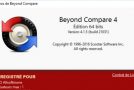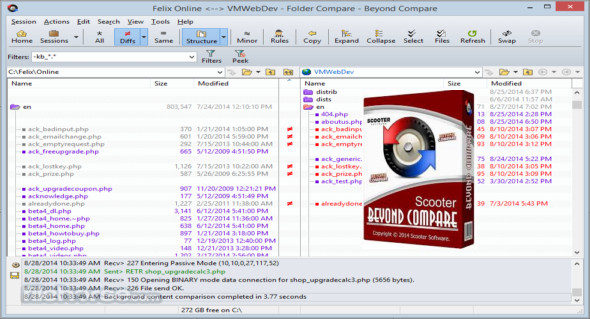
Beyond Compare is an application that can be used to compare different file formats and merge documents into a single file. You can easily identify differences in technical details, content, and more, and synchronize folders. You can also use Total Commander.
A utility for comparing text files, folders, zip archives, FTP sites, and more. You can use the program to manage source code, keep folders synchronized, compare program results, and validate CD-ROM copies. It can compare folders and files over a network connection or via FTP, and it controls a wide range of file and text operations.
Beyond Compare integrates various comparison tools. A new tab or window appears with the appropriate commands depending on the operation to be performed. The Beyond Compare workspace is divided into a fixed number of regions, with text differences highlighted in different colors.
Features of Beyond Compare Scooters
– Compare your files and folders on your PC
– Provides an efficient, simple and user-optimized interface
– Multiple windows with tabs for each comparison
– Save the comparisons as sessions for easy loading later
– Automatically save sessions upon closing
– Save the workspaces containing all open windows and sessions
– Home screen with easy access to viewers and recorded sessions
– Display Unix patch files as a side-by-side comparison
– Color highlighting of differences within the lines
– Display the filters to show only the differences
– Go to the next/previous difference in the file or folder
– Printed and HTML comparison reports
– Miniature overview of the comparison
– Optionally remove the alignment of differences
– Manually align changes or break alignments
Version : 4.4.0 Build 25886
Language : French
Size : 46.27 MB
Configuration:
– Windows (x32/x64 Bits): 7, 8, 8.1, 10
Beyond Compare 4.4.0 Build 25886 + Portable
This article was updated on August 14, 2021