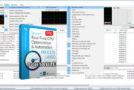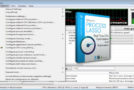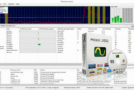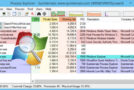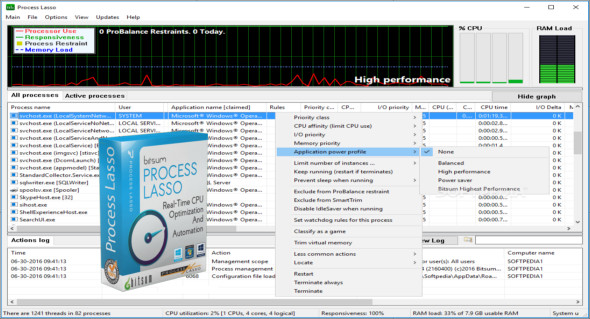
Process Lasso Pro is a CPU optimization software that intelligently adjusts program execution priorities so that corrupted or overly active processes don't interfere with your ability to use your computer! A lightweight tool that consumes very few system resources, much less than any similar program.
Process Lasso offers a wide range of ways to take complete control over how your processors are allocated to running programs. You can choose the priority at which processes should run and which processors (cores) should be assigned to them. You can also prevent certain programs from running, log all running programs, and much more.
Once you've installed Process Lasso, you're ready to go. More advanced users can modify the configuration, but you don't need to do anything to instantly improve your system's responsiveness and prevent freezes under heavy load.
Features of Process Lasso Pro:
– Improves system performance, responsiveness and stability under high loads through dynamic adjustments to handle priority classes.
–Automatically stop unwanted processes, apply default priorities.
– Affinity with processes, limits the number of instances of a process.
– Connect all processes. This is not a replacement for the task manager, but rather features similar to those of the task manager to complement its main functions.
– Works on all editions of Windows 2000, XP, 2003, 2008, Vista, Windows 7, Windows 8 and Windows 10.
Configuration :
– Windows (x32/x64 Bits): XP, Vista, 7, 8, 8.1, 10
– Processor: 1 GHz
– RAM: 1 GB
Language : Multilingual (French included)
Size : 4.4 MB
This article was updated on December 29, 2018