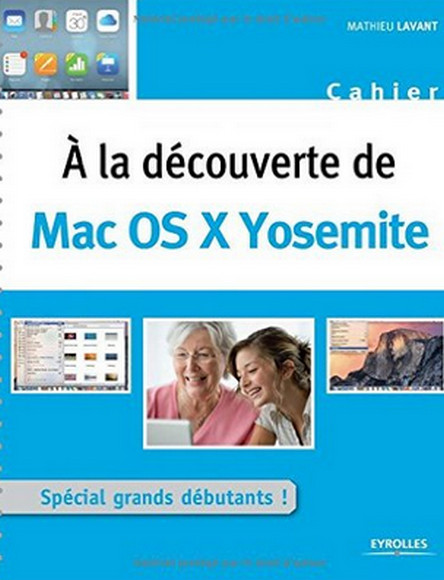
Comprising 66 progressive learning exercises, where each mouse click is illustrated by a screenshot, this highly visual book offers simple and effective methods for mastering Mac OS X Yosemite: surfing the Internet, managing your photo library, sending emails, listening to music... Who is this book for? -Those who wish to gently introduce themselves to Mac (Yosemite and earlier versions)
-For complete beginners in computer science.
You chose to buy a Mac for its aesthetic appeal, out of fear of PC viruses, or for any other equally valid reason. To learn how to use it, are you looking for a straightforward, clear, and instructive guide that gets straight to the point? This book is for you: comprised of 66 progressive learning exercises, where each mouse click is illustrated with a screenshot, it offers simple and effective methods for mastering your computer on a daily basis: surfing the internet, managing your photo library, sending emails, listening to music… Because everything is possible with a Mac, as this practical guide proves!
Who is this book for?
-For those who wish to gently introduce themselves to Mac (Yosemite and earlier versions)
-For complete beginners in computer science.