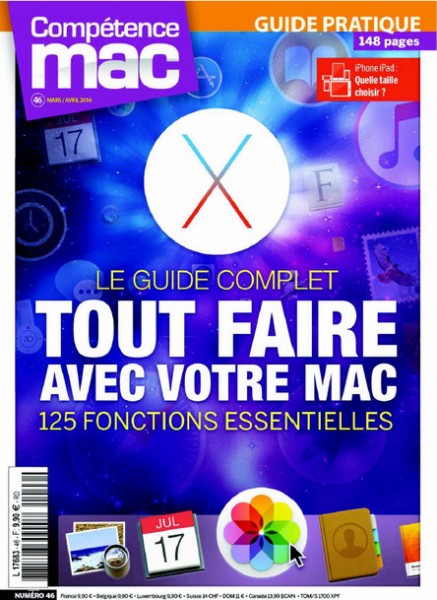
This issue of Compétence Mac is for all Mac enthusiasts, whether beginners, intermediate users, or advanced users looking to enhance their daily use. This guide aims to support you in completing your projects using the core features of macOS, whether you use your computer for personal or professional purposes.
This issue of Compétence Mac is for all Mac enthusiasts, whether beginners, intermediate users, or advanced users looking to enhance their daily use. This guide aims to support you in completing your projects using the core features of macOS. Whether you use your computer for personal or professional purposes, at home or on the go, you'll discover how to achieve more and faster thanks to your Mac's built-in solutions. The Finder and Apple's applications hold a wealth of productivity and efficiency features that are often overlooked.
Most of the features described here are accessible to a wide range of users. To help you understand them, we've assigned them a difficulty level—one, two, or three stars—to make it easy to find your way around. This will allow beginners to progress in their exploration of the Mac's capabilities. Some features are easy to grasp, while others require careful attention and, in some cases, backing up your data before running them.
While some of the solutions offered here have existed for several versions of OS X, we've focused primarily on OS X El Capitan, the latest version of Apple's operating system. This latest version is packed with new features to assist you with various tasks. To make finding them easier, you'll find all these functions categorized by theme. From simplifying file management in Finder, to tips for improving your internet browsing, increased productivity in preparing your projects and emails, and even managing your multiple Apple devices, this guide is full of advice and tips at every level to simplify your life.