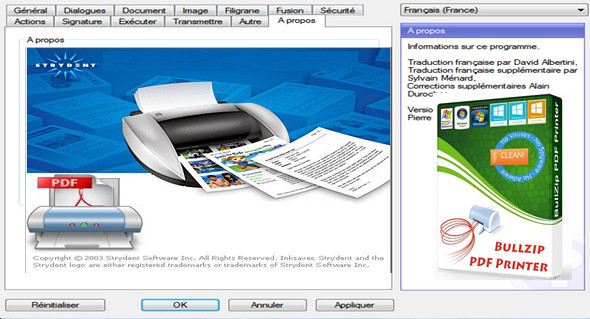
BullZip PDF Printer – a virtual printer that lets you print PDF documents from any Microsoft Windows application that supports printing. Simply specify the PDF printer instead of the standard one, and any document will be converted and saved as a PDF file.
Features:
– Print to PDF format from almost all Windows programs.
– Supports 64-bit operating systems.
– Direct output to the same file every time or prompt for the destination.
– Check if the printer asks you if you want to see the resulting PDF document.
– Control the output and prompts programmatically.
– The installation program can run unattended.
– Graphical user interface.
– Password protecting PDF documents.
– 128/40 bit encryption.
– Quality settings (screen, printer, ebook, prepress).
– Define the document properties.
– Text, size, rotation and transparency of the watermark.
– Overlay / background documents.
– Learning / preceding documents.
– User interface control.
– Command-line interface with all parameters.
– COM / ActiveX interface for programmatic control.
– Citrix MetaFrame support.
– Support for Windows Terminal Server.
– Multiple output types supported: BMP, JPEG, PCX, PDF, PNG and TIFF.
Configuration:
– Windows (x32/x64 Bits): XP, Vista, 7, 8, 8.1, 10
– Processor: 1 GHz
– RAM: 512 MB
– Disk space: 30 MB
Facility :
1. Install the software: Setup_BullzipPDFPrinter_11_2_0_2667_PRO_EXP.exe
2. Copy the file License.xml and paste it into the installation folder
Language Multilingual (including French)
Size : 15.6 MB
This article was updated on August 24, 2017