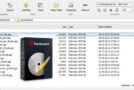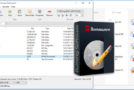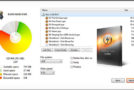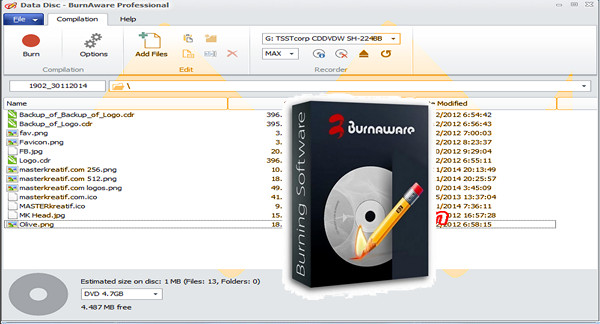
BurnAware is an efficient burning tool. It offers you numerous options for burning and backing up data.
A simple yet powerful program for recording and copying any disc – CDs, DVDs, Blu-rays, and HD-DVDs – as well as CDs and DVDs. The program allows you to perform all the basic tasks of writing, working with native CDs/DVDs and Blu-rays; recording with Audio CDs and DVD-Videos; copying and burning images; disc cloning; multi-session recording; and also includes additional tools for making CD and DVD copies with photos, documents, movies, games, music, and more.
Depending on the disc burner the user has, they will be able to write to:
– CD: CD-R and CD-RW
– DVD: DVD-R, DVD-RW, DVD+R, DVD+RW and dual-layer DVD+R
– Blu-Ray: BD-R and BD-RE
Main features:
– Creation of simple and multi-session data hard drives from CD / DVD / Blu-ray.
– Create audio CDs / CD / DVD / Blu-ray.
– Create a video DVD.
– Create and burn disc images.
– Supports all current hardware interfaces (IDE / SCSI / USB / 1394 / SATA).
– Supported file systems: UDF / ISO9660 / Bridged Joliet in any combination.
– Record all types of images on the fly (without staging on the hard drive).
– Automatic control for burned discs.
– Supports CD-Text and Unicode.
Changelog:
New products
-New user interface.
-Supports monitors and high DPI settings.
-Supports all screen readers (JAWS, NVDA, Hal, etc.).
-Command line support for the Copy to Image tool.
-% DISC_NUMBER% suffix to define the disc number in the title.
Improvements
-Installer update, EULA and translations.
-The program uses the default system font and theme.
-Improved stability and performance of the program.
-Improved compatibility with Windows 10.
Bug fixes
-Fixed a minor bug with update notifications.
-Fixed a bug that occurred when saving the file with the parameters.
-Resolved the issue of suspension during file preparation.
-Minor bug fixes and improvements.
Configuration:
– Windows (x32/x64 Bits): XP, Vista, 7, 8, 8.1, 10
– Processor: P4 3GHz
– RAM: 1 GB
– Disk space: 30 MB
Facility :
1. Install BurnAware Pro
2. Uncheck run BurnAware Pro
3. Copy the files from the Crack folder into the BurnAware installation folder
4. Launch the Keygen
5. (Optional) Put a name in Registration Name
6. Click on Generate
7. Launch BurnAware
8. Use the generated name and serial number to activate BurnAware
- Language : Multilingual (French included)
- Size : 7.7 MB
This article was updated on February 9, 2017