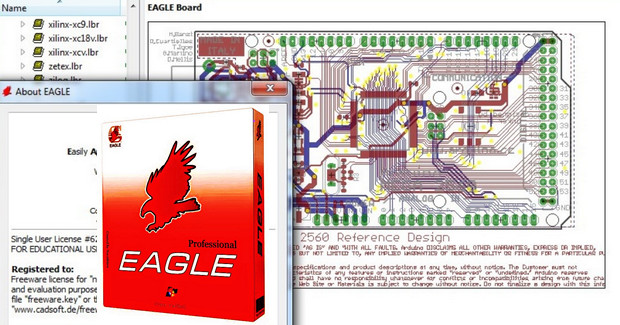
Eagle is a professional program that allows you to design electronic schematics as well as PCBs.
It is by far the most used program by professionals in this field.
It includes the footprints of hundreds of components (note: it lists package types, not the component itself) and you can download thousands more for free on the web!
If you are passionate about electronics, or are a professional, or simply want to carry out an electronics project… This program is for you!
Minimum configuration:
– Microsoft Windows XP 32-bit
– 1GHz processor
– 512MB RAM
– 200MB of disk space
Facility:
1. Launch Cadsoft.Eagle.Professional.7.1.0.exe.
2. Install according to your preferences.
3. When prompted, select "install as freeware".
4. Replace the Eagle.exe file in the installation folder with the one from the 'crack' folder.
Do not update, otherwise the program will revert to freeware.
- Language: English
- Size: 60.96 MB
This article was updated on July 21, 2016