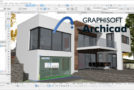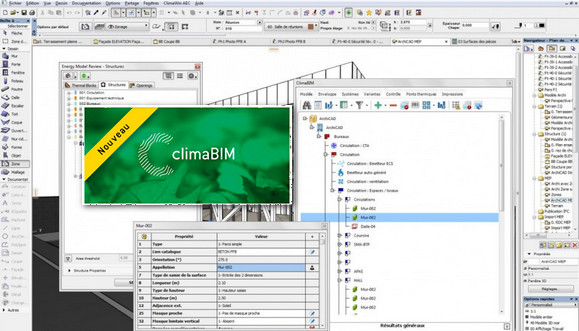
ClimaBIM offers the possibility of carrying out all the calculations allowed by ClimaWin (heat losses according to the NF EN 12831 standard, heat gain calculations using the Ashrae and RC methods, RT 2012 regulatory calculations, dynamic simulation, etc.) from the Autodesk Revit® interface or the Graphisoft Archicad® interface, by working directly on the project developed under Revit® or Archicad®.
Each of the Revit® or Archicad® objects that are involved in thermal and climatic calculations (walls, joinery, thermal bridges) can be qualified with the ClimaWin catalogues.
The calculation results windows are displayed in Revit® or Archicad®. In the regulatory field in particular, all the functionalities of classic ClimaWin are available: Bbio calculation, generation of the building permit application certificate, Cep and Cepmax calculation, verification of safeguards, sensitivity calculation, compliance with labels, calculation with "Title V", etc.
Configuration:
– This is the version for ArchiCAD20 64bits
– Windows (x64 Bits): XP, Vista, 7, 8, 8.1, 10
– Processor: Dual core
– RAM: 4 GB
– Disk space: 250 MB
Facility :
1. Run " setupClimaBIMA.exe" .
2. Do not launch Archicad
3. Copy and paste the contents of the folder " K » in the file »ProgramsFiles(x86)/BBS/ClimaBIM" .
- Language : French
- Size : 112.7 MB
This article was updated on October 23, 2016