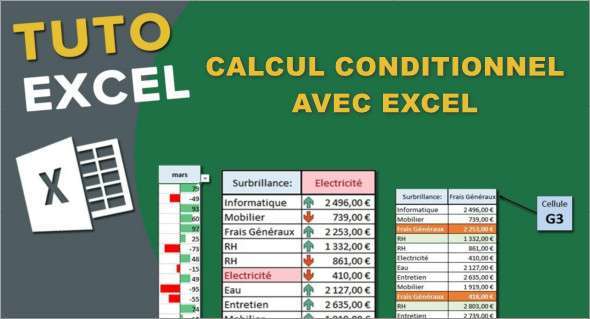
Video tutorial training on conditional calculation with Excel is an effective way to learn how to use Excel's advanced calculation functions. You can also use Learn Excel VBA from scratch.
The AVERAGEIFS, COUNTIFS, MAXIFS and MINIFS functions are examples of conditional functions that allow you to calculate statistics on datasets based on specific criteria.
This tutorial will teach you how to use comparison operators such as <>, <, > = <>, <= *, and ?? to determine these criteria. These operators allow you to compare cell values to a specific value or to each other.
The main points of this training course on conditional statements with Excel
- Introduction
– Draft an initial equality criterion
– Express additional criteria
– When the criterion relates to inequality (not equal to, less than, greater than or equal to, …
– Exercise on the use of comparison operators
– Exercise on the use of comparison operators (Answer key)
– Use of wildcards (1)
– Use of wildcards (2)
– An additional column = an explosion of possible criteria
- Conclusion
Format: MP4 (12 Files)
Language : French
Duration : 6:56 AM
Size : 132.20 MB
Conditional Calculation Training with Excel
This article was updated on January 25, 2023