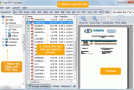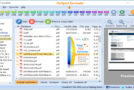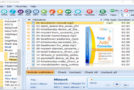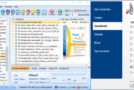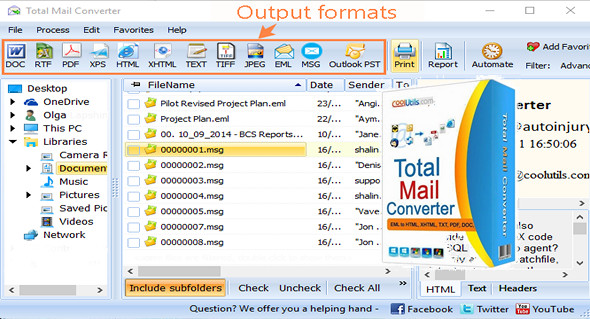
Total Mail Converter helps you manage your emails outside of your email client (Outlook, Thunderbird and more) as if you were working with PDF, DOC or RTF files.
Convert your emails directly from Gmail, Yahoo, and Windows Live without having to export them. The program is so easy to use that all you have to do is enter your account information, and the program automatically locates your messages. Furthermore, Total Webmail Converter converts emails with attachments, with customization options.
Packed with unique options, Total Mail Converter allows you to:
– Convert MSG/EML/EMLX/MIM to PDF, TXT, HTML, RTF, DOC, TIFF, JPEG.TXT files.
– Attached files can be extracted and placed in the same folder or a new folder. If the attached files are images, they can be inserted into the output document.
– Convert emails via the user-friendly interface or directly via the command line.
– Selectively export the email fields of your choice: Sender, Recipient, Date, Subject or Body.
– Generate a report on your emails in PDF, TXT, HTML, CSV, XLS format.
Version : 4.1.0.219
Language : Multilingual (French included)
Size : 23.49 MB
Configuration:
– Windows (x32/x64 Bits): XP, Vista, 7, 8, 8.1, 10
– Processor: 1 GHz
– RAM: 1 GB
Coolutils Total WebMail Converter 4.1.0.219
This article was updated on June 9, 2019