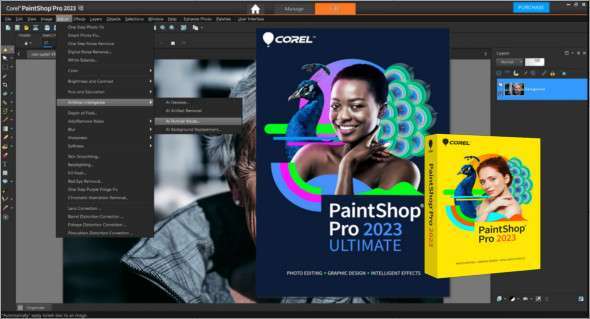
Corel PaintShop Pro is a comprehensive application that allows you to automatically adjust digital photos and develop your artistic skills by adding amazing and varied effects. You can also download Adobe Photoshop Lightroom Classic.
PaintShop is one of Corel's most popular products, providing a variety of powerful tools and options for adjusting digital images. It offers a range of robust tools and numerous powerful options that enhance the appearance and usability of digital images and automatically adjust them with just a few clicks.
An intuitive and user-friendly interface allows users to quickly gain complete control over their photos. Perform various quick corrections and numerous other operations without any hassle. Overall, it's a feature-rich application offering a variety of effects and options to make images even more appealing. View EXIF data and manage images with minimal effort.
Corel PaintShop Pro Features
– Powerful image editing solution
– Supports editing of all image formats
– Remove imperfections from images
– Improve the quality of the photos
– Apply different effects to the images
– A professional writing assistant
– Various image correction tools
– Manage digital images, sort them and rate them
– Attractive, intuitive user interface
– Perform various quick corrections on the images
– Adjust the brightness, highlights, shadows and saturation, etc.
– Adjust the RAW images and adjust the settings
– Many other powerful options and features
Version : Pro 2023 Ultimate 25.2.0.58 / Pro 25.0.0.122
Language : Multilingual (French included)
Size : Pro Ultimate: 1.21 GB / Pro: 1.13 GB
Configuration:
– Windows (x64 Bits): 7, 8, 8.1, 10, 11
Corel PaintShop Pro 2023 Ultimate 25.2.0.58
Corel PaintShop Pro 2023 v25.0.0.122
This article was updated on August 4, 2023