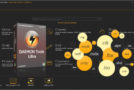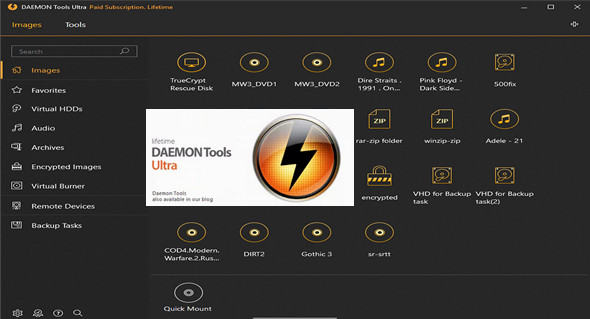
DAEMON Tools Ultra is a handy application developed to allow you to create virtual drives and mount images. It has many useful tools such as an image converter and burner.
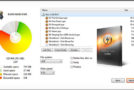
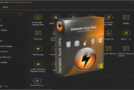
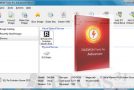
DAEMON Tools Ultra 5.2.0.0644 features a very elegant and intuitive user interface that has been carefully organized, allowing you to select images simply by dragging and dropping them into the designated area. Images can be mounted directly with a single click, or you can enter advanced mode to configure additional settings. You can also choose a preferred drive letter and select the emulation mode: SCSI, IDE, or standard. Images can also be burned to the disc at the same time, by selecting the device and writing speed.
DAEMON Tools Ultra 5.2.0.0644 can also be used to disable multisession mode when finalizing the disk and to verify data integrity at the end of the task. The DAEMON Tools Ultra 5.2.0.0644 icon can be placed in the system tray for quick access and can also be used to configure which images are automatically mounted by disabling automatic checks for software updates. You can switch to a different user interface language and color scheme. You can also customize file associations and disable message confirmations for various events.
Features of DAEMON Tools Ultra 5.2.0.0644
– A practical application that will allow you to create virtual drives and mount images.
– You have plenty of useful tools like a converter and an image burner.
– You have an elegant, well-organized and intuitive user interface.
– Can enter advanced mode to configure additional settings.
– Can select the emulation mode between SCSI, IDE and standard.
– Can be used to disable multisession mode by finalizing the disk.
– Can switch between different user interface languages and color schemes.
– Can customize file associations.
– Can disable message confirmations for various events.
Configuration:
– Windows (x32/x64 Bits): 7, 8, 8.1, 10
– Processor: 1 GHz
– RAM: 512 MB
– Disk space: 50 MB
Language Multilingual (including French)
Size : 37.3 MB
This article was updated on December 13, 2017