DLL errors cause problems in Windows.
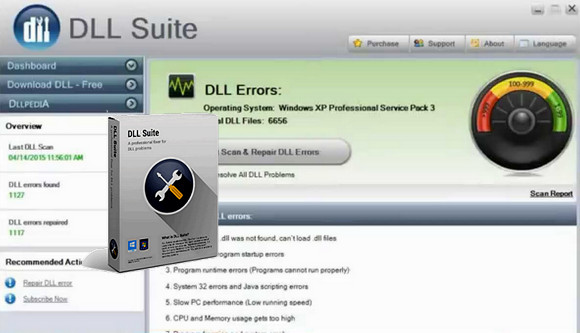
DLL Suite can repair DLL errors to solve your computer problems and increase your PC's performance.
It will also repair problems in your Windows registry (a bit like Ccleaner), and check your EXE and SYS files (if there are more suitable ones, it will perform the update by download).
How to fix DLL errors:
1 – Click on Dashboard
2 – Click on Start Scan & Repair
3 – Click on Repair
Configuration:
– Windows: XP, Vista, 7, 8, 8.1, 10
– Processor clocked at 500 MHz or higher
– 256 MB or more of random access memory (RAM)
– 150 MB of available disk space
Facility :
- None !
Simply launch the file DLLSuitePortable.exe
- Language : Multilingual (French included)
- Size : 129.9 MB
This article was updated on October 23, 2016