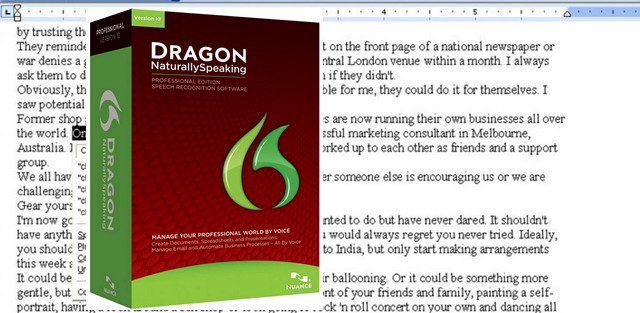
A simple and quick solution lets you interact with your PC. Just speak words and they'll appear on your computer screen. Tell Dragon what you want your computer to do, and Dragon will perform the task: "Open Microsoft Word," "Set the font size to 18," or "Minimize all windows." You can even edit and format text, search the internet, or send emails simply by speaking.
Compatible Operating Systems:
Microsoft Windows 7 and above (32-bit and 64-bit)
Microsoft Windows Vista with SP2 (32-bit and 64-bit)
Microsoft Windows XP with SP3 (32-bit only)
Windows Server 2008 with SP2 and R2 (32-bit and 64-bit)
Hardware requirements:
– Intel Pentium 4 processor with SSE2 or equivalent, or a newer processor
– 1 GB of RAM
Facility:
– When asked for your CD key, log out, otherwise the software will check it on the internet.
Enter the following serial number: A209F-X00-F4R7-80H6-J3
– Install
– Skip the registration steps.
– Launch the software, select Activate now, then Manual Activation, and change your previously entered serial number to this one: A109A-K13-3ZXD-BAP5-TE
– Confirm and then log back in.
- Language: French
- Size: 3.69 GB
This article was updated on July 21, 2016