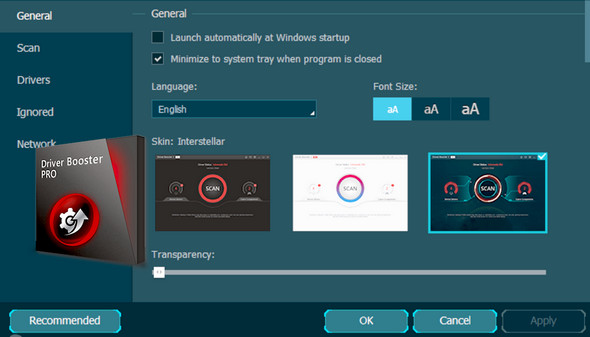
IObit Driver Booster 4 can identify missing and faulty drivers to resolve device issues. Its Automatic Download feature allows for downloads during idle time to reduce update delays. Furthermore, it fully supports Windows 10.
Function :
– Download & Update Outdated Drivers in One Click
– Unlock the Speed Limit in the Driver Update
– The priority is to update more obsolete and rare drivers.
– Reduce Plant & System Crash for Better Performance
– Download & Install Drivers Automatically During Inactivity
– Automatically back up all drivers for safe restoration
– The Priority of Updating Game Components
Very easy to use: One simple click, and the search for drivers begins!
Optimized: The display contains the search results; you then decide whether or not to update the drivers and back up.
Configuration:
– Windows (x32/x64 Bits): XP, Vista, 7, 8, 8.1,10
– Processor: Intel 2 GHz
– RAM: 512 MB
– Disk space: 30 MB
Facility :
1 – Disconnect from the internet and run: driver booster x86 x64.exe
2 – Next, use the provided serial number ( E5864-0C4F8-4E737-7C4F4 )
3 – Add to the Windows host ( C:\Windows\System32\drivers\etc )
127.0.0.1 idb.iobit.com
127.0.0.1 asc55.iobit.com
127.0.0.1 is360.iobit.com
127.0.0.1 asc.iobit.com
127.0.0.1 pf.iobit.com
- Language : Multilingual (French included)
- Size : 16.4 MB
This article was updated on November 15, 2016