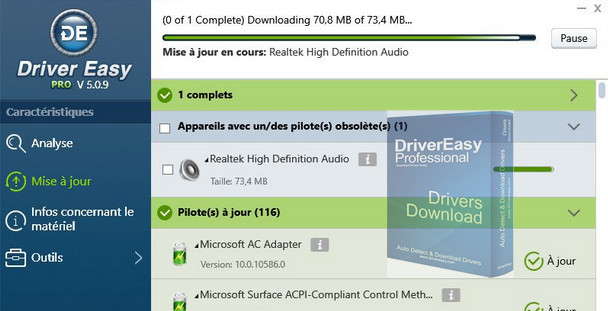
Drivers are the essential software interfaces between an operating system and a computer's components; they are crucial for its proper functioning. Regularly updating them is therefore the best way to ensure optimal PC performance. This is where DriverEasy comes in. It allows you to check driver versions, identify those that need updating, and download them in just a few clicks.
Available free for personal use, it offers basic but effective and easy-to-use features. Its interface is clear and accessible. After analysis, the user can update their drivers by downloading them one by one directly through the software. Note that in this version, the download speed is limited to 80 KB/s; this isn't too much of a problem as long as the number of updates isn't significant.
With this professional version, the software unlocks this speed limit and many other features:
Download all drivers in one click, create restore points, back up, restore and uninstall (if needed) drivers, among other things.
Configuration:
– Windows (x32/x64 Bits): XP, Vista, 7, 8, 8.1, 10
– Processor: Pentium 233 MHz
– RAM: 256 MB
– Disk space: 60 MB
Facility :
1. Run DriverEasyPortable.exe
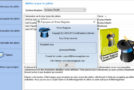
2- Choose the language the first time, see image Set to French.jpg
- Language : Multilingual (French included)
- Size : 10.6 MB
This article was updated on October 30, 2016