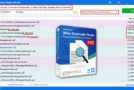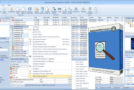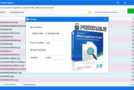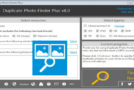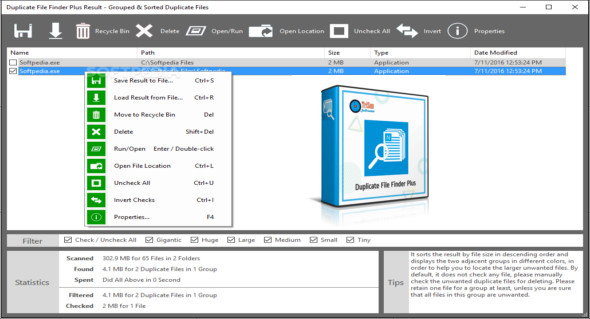
Duplicate File Finder Plus is a powerful program for searching for duplicate files on your disks; it compares files based on content, not filename, so you can be assured of getting accurate results.
Duplicate File Finder Plus works very quickly because it has a built-in high-speed file comparison algorithm. It's very easy to use: simply select the resource drives, folders, files, sizes, and types, then click the "Search Now" button to find what you need. You can even click directly on this button using the suggested search terms.
Once the search is complete, you will immediately see the results (a list of duplicate files). It automatically checks for unwanted files with Smart Selection, sorts the results in descending order, and identifies adjacent groups of duplicate files with different colors, so you can easily identify the duplicates.
Features of Duplicate File Finder Plus
– Find duplicate files.
– A simple and dedicated tool for deleting files
– Simple and easy to use.
– Automatic analysis of duplicate files.
– Delete temporary files.
– Based on the content, not the file name
– Scan by file extension and name.
Version : Plus 13.0 Build 060
Language : Multilingual (French included)
Size : 2.17 MB
Configuration:
– Windows (x32/x64 Bits): XP, Vista, 7, 8, 8.1, 10
Duplicate File Finder Plus 13.0
This article was updated on July 12, 2020