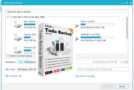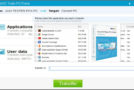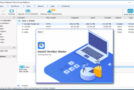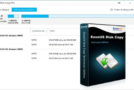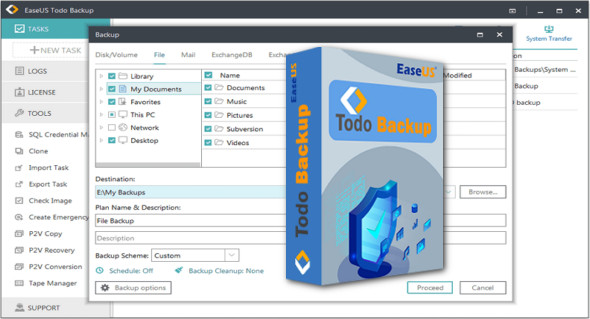
EaseUS Todo Backup is a powerful application for backing up and restoring hard drives, volumes, the operating system, or any custom files and folders. You can also use QILING Disk Master.
Todo Backup is a comprehensive backup application for backing up and restoring volumes, hard drives, operating systems, and folders, as well as supporting scheduled backups. It's a professional-grade application with a variety of customization options and settings for checking image integrity, cloning files, creating emergency disks and virtual drives, and WinPE support.
Easily clone files and create backup tasks. Users can easily verify backups and keep their data safe at all times. Furthermore, it's also possible to configure backup plans and create backup images. Users can also protect backup images with passwords. This powerful application makes copies of files, disks, and partitions for backup and allows users to recover data at any time.
Features of EaseUS Todo Backup
– A complete data backup and recovery solution
– Back up hard drives, volumes, custom files, and even the entire operating system
– Scheduling of automatic backups with integrity checks
– File cloning, creation of emergency disks, and data recovery
– Supports mounting virtual drives and verifying backups
– A clean and neat user interface with a simple set of tools
– Improved workflow with task scheduling features
– Generate comprehensive backup reports
– Provides support for adding a password to backup images
Version : 16.3.0 Build 20250122 /WinPE:Home 16.4.0
Language : English
Size : 202.82 MB / WinPE: 576.75 MB
Configuration:
– Windows (x32/x64 Bits): 7, 8, 10, 11
Download EaseUS Todo Backup v16.3.0 Build 20250122
Download EaseUS Todo Backup WinPE Home v16.4.0
This article was updated on February 7, 2025