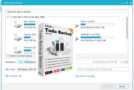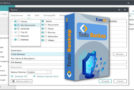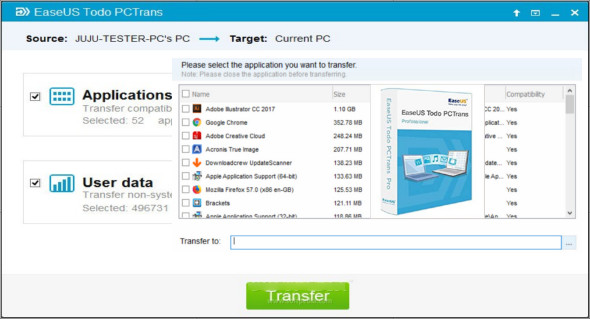
EaseUS Todo PCTrans Professional/Technician is a very useful tool that allows you to easily transfer data, applications, and settings from one computer to another with a single click. You can also use PCmover Professional.
The easy transfer tool for your PC securely migrates your account, existing files, folders, and programs to a new computer. With just one click, set up your new PC with everything you need. Instead of manually copying and pasting, you can seamlessly switch to a new computer.
PC Transfer can transfer downloaded applications from your old computer to a new one before upgrading to Windows 10. It copies data, applications, and account backups to your personalized settings on the new computer. This approach minimizes data loss and allows you to recover everything in case of an unforeseen problem. Specifically, it creates images of all your applications and makes them available on the new computer.
EaseUS Todo PCTrans Pro and Technician Features
– Transfer user accounts via a network connection or an image file
– Transfer applications and data via a network connection or image file
– Transfer unlimited applications
– For Windows 11, 10, 8.1, 8, 7, Vista, XP and Server 2016, 2012, 2008 and 2003
– Transferring applications between local disks
– Supports the transfer of domain user accounts.
– Supports the transfer of Microsoft Visual C++ Redistributable Packages.
– Simplified and intuitive user interface.
Version : Pro, Tech 14.2.3
Language : Multilingual (French included)
Size : 81.92 MB
Configuration:
– Windows (x32/x64 Bits): 7, 8, 8.1, 10, 11
Download EaseUS Todo PCTrans Pro/Tech v14.2.3
This article was last updated on November 19, 2025