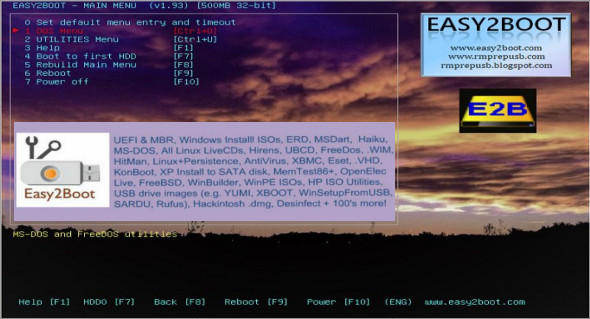
Easy2Boot is a portable application that allows you to transform any USB drive into a bootable storage device, including Windows and Linux. If you want to boot your operating system directly from a USB drive, you'll be hard-pressed to find a simpler and lighter application than Easy2Boot.
All you have to do is select the USB drive to format (all partitions will be erased), select the language and keyboard type from the Easy2Boot menu, and then click the red "Make E2B Drive" button in the Windows graphical interface.
Once you've created your NTFS E2B drive, simply copy your ISO files. You can update or delete any ISO image at any time, so there's no need to format or recreate your media repeatedly.
Easy2Boot can also boot directly from Windows .VHD and .WIM files and supports multiple Linux ISOs with persistence (>4 GB supported). Multibooting via UEFI (Linux, konboot, memtest86, Windows, etc.), including secure boot, is made possible by creating .imgPTN partition image files using the Windows MakePartImage utility.
The DPMS version includes the mass storage drivers from the driver package required if you are installing 32-bit Windows XP on SATA/RAID/SCSI systems. Obviously, this will likely only apply to a small group of people.
Configuration :
– Windows (x32/x64 Bits): XP, Vista, 7, 8, 8.1, 10
– Processor: 1 GHz
– RAM: 1 GB
Language : Multilingual
Size : 16.3 MB
This article was updated on December 24, 2018