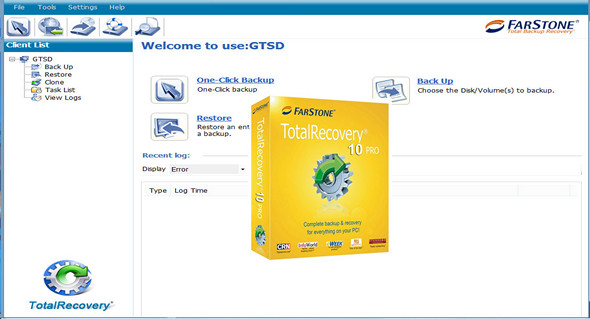
ASUS TotalRecovery Pro is a powerful program that allows you to automatically create backups and protect your data, system, files, and applications.
Main features:
– Automatic backup of data and systems
– Hard drive/SSD cloning and migration
– Encryption and password protection
– Data recovery from a failed system
– Disk defragmentation / partition tools
– Cloud backup
– Go back in time to preview files and restore the system
Features of TotalRecovery Pro:
– System backup (a full disk image)
– Full, incremental, and differential backups
– Data backup, Windows, partitions and everything
– Open the backup of the files and database
– Create a bootable backup CD/USB
– Reproduce to the FTP server as a duplicate backup
– 256-bit AES encryption, compression and password protection
– Universal reset to different computers
– Quickly restore a system in minutes
– Smart Backup excludes unnecessary files, saving space and time (10GB-70GB)
– Email notification regarding the status of a scheduled backup
– Automatically execute pre/post commands for a scheduled backup
– Partition management tools
– Preview the contents of backup images using Windows File Explorer
– Backup to cloud services, such as SkyDrive, Google Drive and Dropbox
– Repair tools to fix startup problems
– Support for the Windows Encrypting File System (EFS)
– VHDx virtual machine support
– Exporting newspapers and jobs
– Perfect defragmentation on the backup
Configuration:
– Windows (x32/x64 Bits): XP, Vista, 7, 8, 8.1, 10
– Processor: 1 GHz
– RAM: 512 MB
– Disk space: 1 GB
Facility :
Launch the file TRP.ASUS.Commercial.Full.exe (pre-activated)
Language Multilingual (including French)
Size : 237.4 MB
This article was updated on May 27, 2017