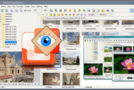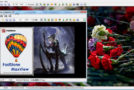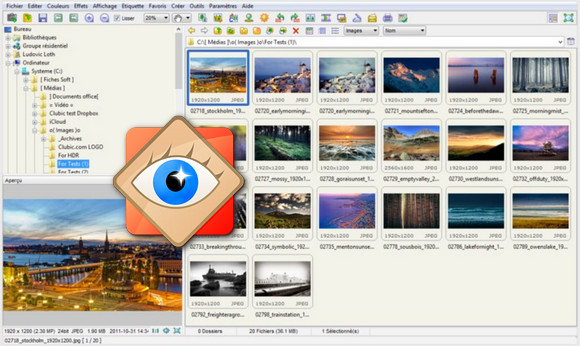
Faststone Image Viewer remains a software worth knowing for users looking for a photo manager with relatively advanced features, while remaining lightweight and relatively easy to use.
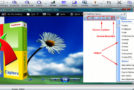
In fact, FastStone Image Viewer stands out mainly for its photo viewing interface, which allows quick access to panels by touching the edges of the screen, and in particular a retouching panel that puts all the necessary tools at hand: rotation, resizing, enhancements, or even red-eye removal.
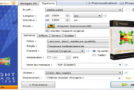
The software also offers, like XnView, fairly comprehensive batch processing options: conversion, renaming, resizing, adding more than 150 filters or even integrating frames are all within reach of a right click on a series of photos, with a rather practical tab system.
Another strong point is that it offers good support for the most popular image formats such as:
BMP, JPEG, JPEG 2000, GIF, PNG, PCX, PSD, EPS, TIFF, WMF, ICO, TGA, CRW, CR2, NEF, PEF, RAF, MRW, ORF, SRF, ARW, SR2, RW2 and DNG.
Configuration:
– Windows (x32/x64 Bits): XP, Vista, 7, 8, 8.1, 10
– Processor: Pentium 233 MHz
– RAM: 256 MB
– Disk space: 20 MB
Facility :
Installer version
1. Install Image Viewer
2. Go to the tab Help
3. Then Enter the registration code
4. Register with the keygen
Portable version (Pre-activated)
- Throw FSViewer.exe
- Language : French
- Size : 23.7 MB
This article was updated on October 30, 2016