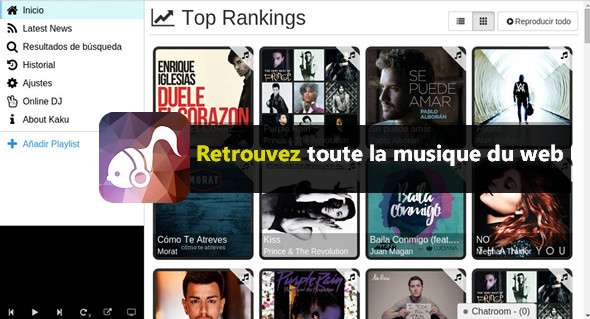
Originally, Kaku is an open source audio player that allows easy access to tracks streamed on YouTube, Vimeo and SoundCloud. Download Kaku
ADJUST THE SETTINGS
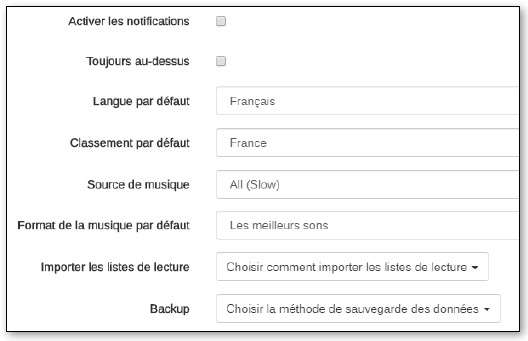
Go to Settings to change the language FrenchTake this opportunity to modify the Default ranking with a country whose musical trends you'd like to know. Under Music sourceput Everything (slow) to display the maximum number of results. Finally, if video clips are not of interest to you, select The best sounds For Default music format.
FIND SOME MUSIC
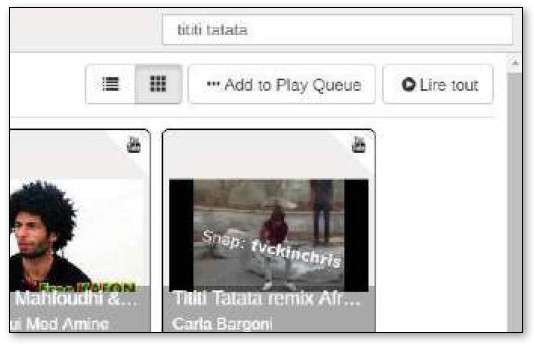
In the field Find somethingEnter your search (song title, band, artist…) and confirm with the key EntranceClick on a result to start playback. If you haven't chosen The best sounds In the previous step, the clip appears in the bottom left corner. Otherwise, the player, still in the same place, displays a black background.
CREATE A PLAYLIST
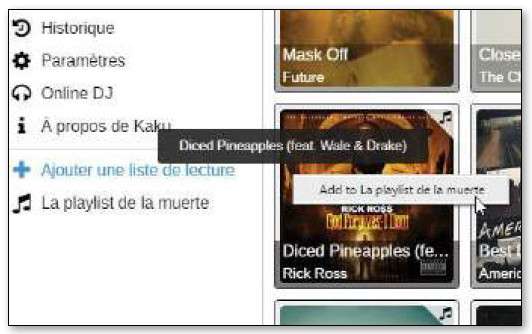
In the left column, click on Add a playlistGive your playlist a name, and confirm with OKRight-click on the track you want to add to a playlist: a list of all the playlists you've created will appear. Click on the one you want to add the track to.
SHARE YOUR MUSIC
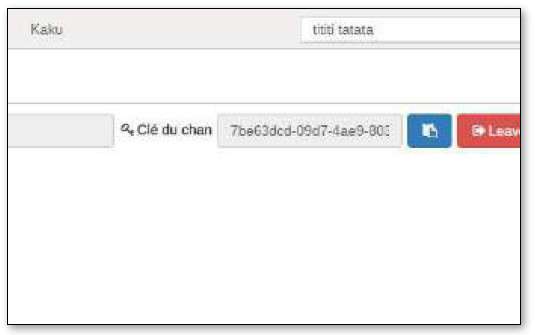
Click on Online DJEnter a nickname and your name chan (channel), by validating with Create a channelso that Kaku users can access and listen to the music you're playing. Sharing will be required. Key to the channel with guests, who can then join you and chat via the chat window in the bottom right corner.
This article was updated on October 8, 2017