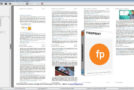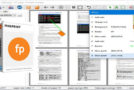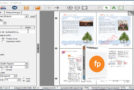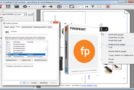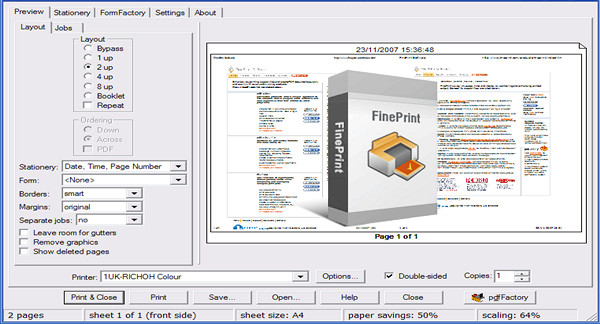
Fineprint starts automatically after printing and allows you to print multiple pages on a single sheet (which saves paper and makes document distribution easier). You can print from 1 to 8 pages on a single sheet by adding an overlay image (confidential, company logo, etc.). Fineprint also supports double-sided printing.
FinePrint is a useful tool for managing all your printed documents, with several options that will help you save ink and paper. Ink is quite expensive, and optimizing printing to reduce consumption is important. FinePrint helps you achieve greater efficiency from everything you print.
This application functions like a printer: To use it, simply print a document and select FinePrint as the printer. An interface will open with various options.
FinePrint Options
– Print multiple sheets on one sheet.
– Adjust the margins.
– Add watermarks to the document.
– Add a header.
– Adjust the page numbering.
– Convert the document to greyscale.
FinePrint also allows you to manage the images to be printed, by selecting the resolution to save as much ink as possible.
If you want to manage printing in a convenient and simple way.
Fineprint installs as a printer driver. When you want to print, choose Fineprint, and your editing program will redirect your print job to Fineprint. Fineprint will open, and you can choose how to print.
Help :
A help file in French in PDF format is included in the download.
Configuration:
– Windows (x32/x64 Bits): XP, Vista, 7, 8, 8.1, 10
– Processor: 3GHz
– RAM: 512 MB
– Disk space: 20 MB
Facility :
1. Install the fp825.exe file
2. Register using one of the provided keys
- Language : Multilingual (French included)
- Size : 10.3 MB
This article was updated on December 26, 2016