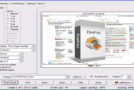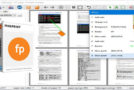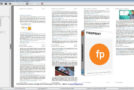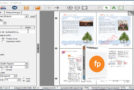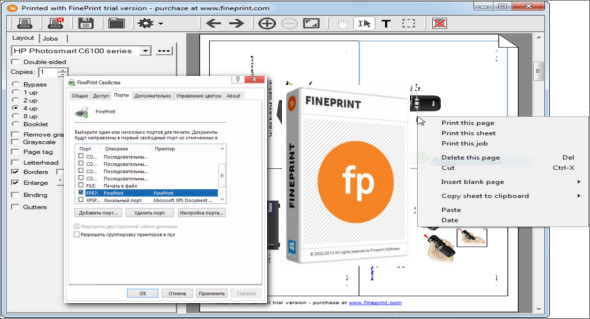
FinePrint is a printer driver that acts as a virtual printer on your computer, allowing you to manage your print jobs and generate PDF documents. You can also use priPrinter Professional.
This utility was developed to optimize the document printing process and allows you to save ink and paper simply by using an innovative preview window. It boasts a very impressive feature that allows users to print on both sides of the paper. This application also allows you to save documents in many different formats (JPEG, TIFF, BMP, FP, etc.).
To access the interface and its features, click the Print button in one of your Windows applications. Once you reach the interface, you'll have numerous options available, all designed to improve the document printing process. It includes a unique print preview option that allows you to customize the appearance of your pages. It also gives you the ability to add new blank pages or delete pages from the project.
Features of FinePrint:
– Mark documents with custom watermarks such as “draft” or “confidential”.
– Create custom electronic letterheads and forms. No more buying, storing, and manually loading pre-printed letterhead paper.
– Page numbering across multiple documents
– Pages out to clipboard
– Save pages in JPEG, TIFF and text formats
– Print multiple pages on one sheet
– Printing on electronic letterhead
– Delete unwanted pages
– Combine multiple print jobs into one
– Archive print jobs
Version : 12.16
Language : Multilingual (French included)
Size : 26.68 MB
Configuration:
– Windows (x32/x64 Bits): 7, 8, 8.1, 10, 11
Download FinePrint v12.16 – Virtual Printer
This article was last updated on August 30, 2025