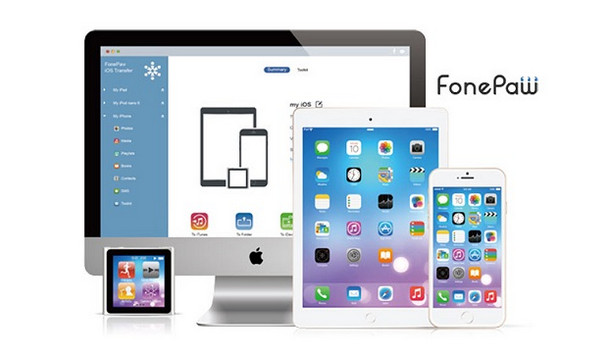
FonePaw iOS Transfer offers a utility for transferring all the data from your iOS smartphone and tablet to your PC. This software performs the same function as iTunes, but much more simply and quickly.
With FonePaw iOS Transfer, you can manage all your contacts, messages, and call logs, as well as all your photos, videos, eBooks, and other audio files. Simply connect your iDevice to your computer, start the transfer process, and you're done.
Note that FonePaw iOS Transfer also offers you the ability to import contacts from your Gmail email account and export them in CSV or vCard format.
Finally, note that FonePaw iOS Transfer is offered as a free trial and works with all Windows operating systems.
Configuration:
– Windows: XP/VISTA/7/8.x/10
– CPU: 1GHz Intel/AMD CPU or higher
– RAM: 512 MB or more (1024 MB recommended)
– Disk: 1GB minimum
– Apple drivers installed
Facility:
– Launch “ios-transfer.exe” and follow the steps, unchecking “launch the application”
– Go to the folder “C:\Program Files (x86)\FonePaw\FonePaw iOS Transfer”
– Delete “Framework.dll” and then copy the “Framework.dll” located in the crack folder to replace the original.
- Language: 48.8 MB
- Size: French / English
This article was updated on August 23, 2016