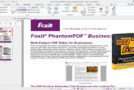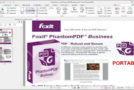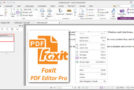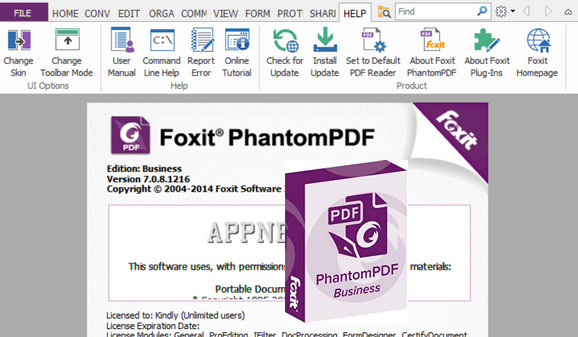
Manage your PDF files in just a few clicks with Foxit PhantomPDF, a comprehensive and intuitive application. The software allows you to edit any content in your document: insert or delete pages, add graphics and shadows, erase elements, zoom, rotate pages, create images using the integrated editor, and more.
Changes made to the file are visible instantly. Finally, Foxit PhantomPDF offers simplified form creation and password-protected encryption of generated PDFs.
Configuration:
– Windows (x32/x64 Bits): 7, 8, 8.1, 10
– Processor: Pentium 1.3 GHz
– RAM: 512 MB
– Disk space: 1 GB
Facility :
1. Install FoxitPhantomPDF
2. Do not launch
3. Copy the patch to the installation folder
4. Launch the Patch (as administrator)
5. Click on Patch
*Under 64-bit Windows:
When he asks you to indicate the way to " ConvertToPDFShellExtension_x32.dll"
Choose All files (in the file type filter, at the bottom right of the window) then choose " ConvertToPDFShellExtension_x64.dll » (in the file Plugins) then press OK.
- Language : Multilingual (French included)
- Size : 452.7 MB
This article was updated on October 28, 2016