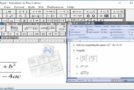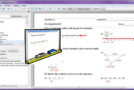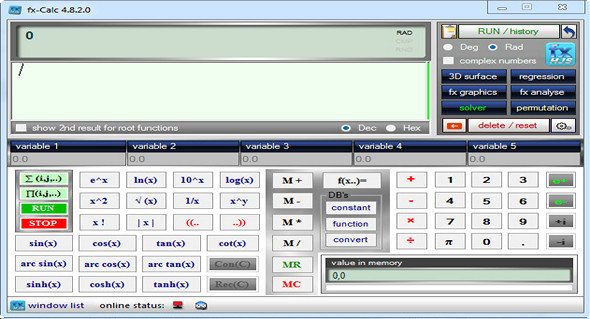
Fx-Calc is actually one of the most advanced desktop calculators for defining, analyzing, visualizing, and calculating scientific functions, and is a complete replacement and/or improvement over the old Windows calculator. You can analyze and solve scientific functions and perform linear regression. While the Windows concept may not be cutting-edge, it offers the significant advantage of allowing you to open multiple similar windows repeatedly and compare results as needed.
Main features:
– Definition and immediate calculation of functions with up to 5 variables
– Solve the equations
– Analysis of the combined function with the presentation of graphical results
– Parametric sum and product calculation
– Library of built-in functions
– Integrated library for scientific constants
– 2D graphics including complex graphics
– Clusters of accelerated OpenGL 3D functions
– Multiple plotting and analysis windows to compare different function characteristics
– Interactive linear regression module
– Automated history
– Displays the current memory value in a separate field
– Integrated examples
– Handles complex numbers
Configuration:
– Windows (x32/x64 Bits): XP, Vista, 7, 8, 8.1, 10
– Processor: 1 GHz
– RAM: 512 MB
– Disk space: 15 MB
– .NET framework version 4
Facility :
Standard installation, run the file fxcsetup_en.exe
Portable version:
Launch the Portable\ filefx-Calc.exe
Language : English
Size : 3.1 MB
This article was updated on May 12, 2017