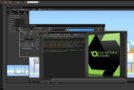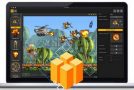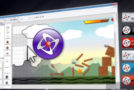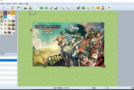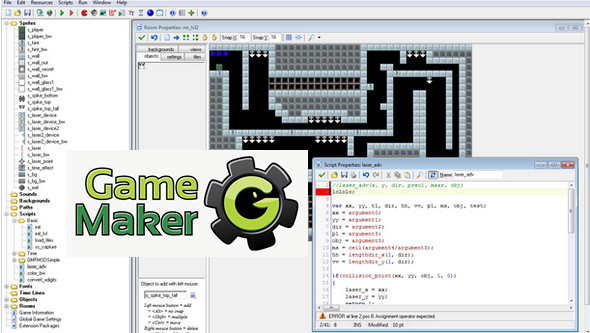
Game Maker is software that lets you develop your own video games without ever writing a single line of code. Designing a video game becomes fun in itself. Thanks to easy-to-use features that utilize simple drag-and-drop functionality, you can design professional-looking games in no time.
This allows you to use background images, animated graphics, sound effects, and music. It's even possible to create 3D games!
You can download games from the YoYoGames website, the publisher of Game Maker, to get an idea of its capabilities.
Configuration:
– Windows (x32/x64 Bits): XP, Vista, 7, 8, 8.1, 10
– Processor: Pentium 4 3GHz
– RAM: 512 MB
– Disk space: 40 MB
Facility :
1. Install GameMaker 8.1 .
2. Copy and replace " Game_Maker.exe " In:
C:\Users\[YOUR_NAME]\AppData\Roaming\GameMaker
3. Place the file " rundata » read-only in:
C:\Users\[YOUR_NAME]\AppData\Roaming\GameMaker
* The file AppData It resides in the Users folder on drive C, but it is marked as invisible. To display it and find your application files, type %AppData% in the box Execute (Windows+R)
- Language : English
- Size : 17.8 MB
This article was updated on November 26, 2016