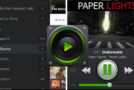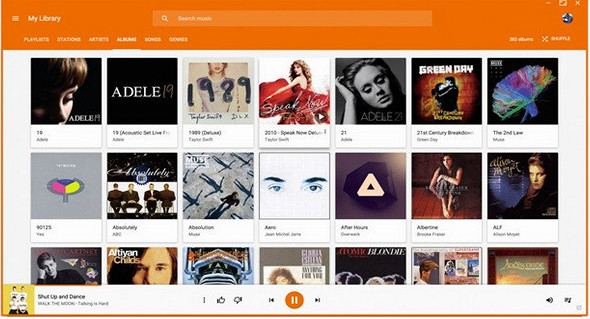
Listen to your favorite tracks on Google Play Music directly from your computer desktop using this modern, elegant, and highly customizable software! When it comes to listening to your favorite tracks using Google's music and radio streaming service, the most obvious choice might seem to be opening the online player in one of your browser tabs.
It comes with modern features such as desktop notifications on track changes, Last.FM scrobbling, built-in audio equalizer and taskbar integration.
You should also know that you can use the taskbar's media controls to play, pause, stop, and skip tracks. It's also worth noting that you can assign custom keyboard shortcuts.
Features:
– Support for media keys (Play, Pause, Stop, Previous, Next)
– Last.FM Scrobbling and Now Playing support!
– Desktop notifications about track changes
– Simplified mini reader
– Customizable dark theme
– Taskbar media controls (media controls integrated into the taskbar) Windows only
– HTML5 audio support – No more Adobe Flash Player
– Built-in audio equalizer – Make it so you'll love it
– Background music playback, minimize the taskbar
– Customizable keyboard shortcuts. No worries if you don't have multimedia keys – choose your own shortcuts!
– Choose your audio output device from the player
– Interface for external applications such as Rainmeter
– And much more!!
Configuration:
– Windows (x32/x64 Bits): XP, Vista, 7, 8, 8.1, 10
– Processor: 1 GHz
– RAM: 512 MB
– Disk space: 100 MB
Language Multilingual (French included)
Size : 54.6 MB
This article was updated on August 27, 2017