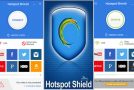
Connecting to a public Wi-Fi hotspot can pose risks regarding the potential interception of your personal data. Indeed, a malicious third-party user could attempt to collect confidential information.
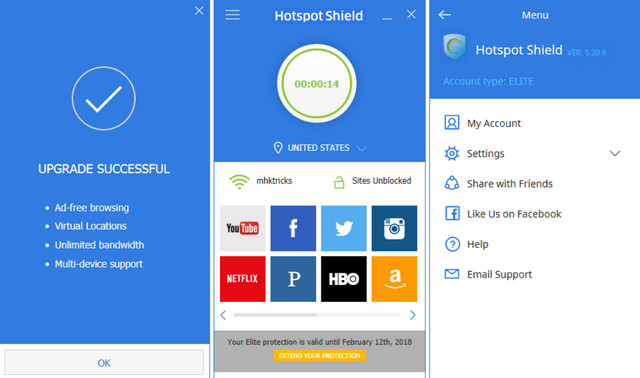
Hotspot Shield lets you establish a secure connection to a Wi-Fi hotspot by using a virtual private network (VPN). Anchor Free creates a virtual tunnel between your computer and the public router. Your data, such as email passwords, credit card numbers, and other information, is then encrypted. You'll also get a new US IP address assigned by the VPN server, allowing for anonymous browsing.
Note: During installation, be sure to select only the options you want. Hotspot Shield displays the publisher's community toolbar in the first window, which you can deselect. Then click on "Custom Installation" to prevent changes to your search engine, homepage, etc.
Minimum system requirements and compatibility:
– Windows Vista, 7, 8, 8.1, 10 (32-bit & 64-bit)
– 500 MHz processor
– 512 MB of RAM
– Screen resolution 1024*768
– 30 MB of free hard drive space for program files
Facility
1) Install “HSS-5.2.1-install-plain-714-plain.exe”
2) Copy/paste the patch into the installation folder: “Hss_Elite.exe”
3) Install the update: “HSS-5.20.19-nodrv-update.exe”.
Ps: If you have already installed this program, only install the update.
- Language: French, Multi
- Size: 24.57 MB
This article was updated on July 22, 2016