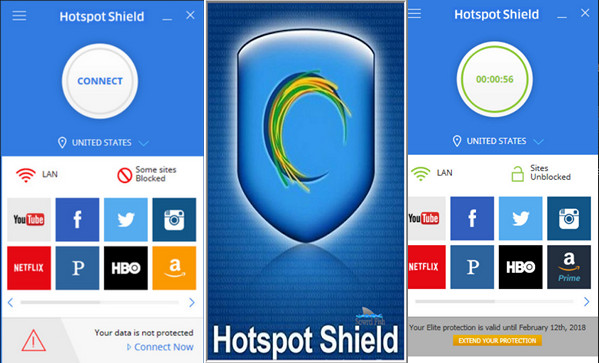
Millions of users worldwide trust Hotspot Shield for secure, anonymous, and unrestricted internet access. Hotspot Shield uses advanced encryption technology to secure your browsing. It protects you by detecting and blocking malware, and ensures you can access your favorite content from anywhere in the world.
Secure Wi-Fi connection
Protect your internet connection and encrypt your personal information to browse the web safely whether you are at home, at work or in a public place.
Anonymous browsing
Hotspot Shield VPN offers you an easy and secure way to surf the web while remaining anonymous.
Unblocking websites
Quickly access blocked and censored websites with Hotspot Shield VPN. Enjoy secure access to social media, games, and videos.
Configuration:
– Windows 7, 8, 8.1, 10 (32-bit & 64-bit)
– 500 MHz processor
– 512 MB of RAM
– 30 MB of free space
Facility:
1/ Install HSS-5.3.2-install-plain-714-plain.exe in the Setup folder
2/ Run the update in the Setup folder (HSS-5.20.21-nodrv-update.exe) as administrator
3/ Disconnect and close Hotspot Shield VPN
4/ Launch Hotspot Shield Elite Activator.exe
5/ Click on “Activate”
6/ Run BLOCKHosts.bat (to block license checks) in the Activation folder as administrator
- Language: Multilingual (French included)
- Size: 25.63 MB
This article was updated on September 9, 2016