Connecting to a public Wi-Fi hotspot can pose risks regarding the potential interception of your personal data. Indeed, a malicious third-party user could attempt to collect confidential information.
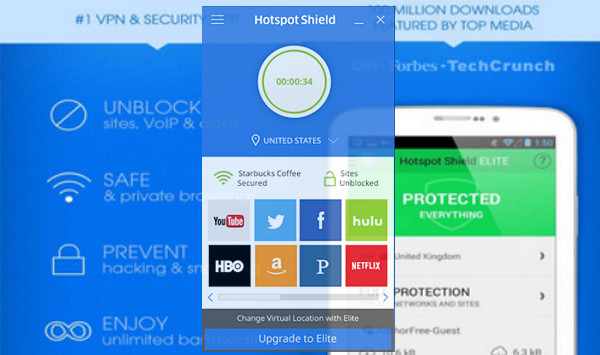
Hotspot Shield will allow you to establish a secure connection to a Wi-Fi access point through a virtual private network (VPN).
Anchor Free then creates a virtual tunnel between your computer and the public router. Your data, such as email passwords, credit card numbers, and other information, is then encrypted. You will also receive a new US IP address assigned by the VPN server, allowing for anonymous browsing.
Configuration:
– Windows 7, 8, 8.1, 10 (32-bit & 64-bit)
– 500 MHz processor
– 512 MB of RAM
– 30 MB of free space
Facility :
1) Install “HSS-5.4.11-install-plain-714-plain.exe”;
2) Apply the patch: “Hss_Elite.exe”;
3) Install the update: “HSS-6.20.6-nodrv-update.exe”.
Note:
1: During the application of the patch or update, it is not necessary to stop the program or any created service.
2: If you already have the program installed and working, simply apply the update.
- Language: Multilingual (French included)
- Size: 27.0 MB
This article was updated on September 30, 2016