InPaint makes it easy to enhance the look of your photos. It works very well on relatively simple elements such as skies, beaches…
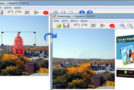
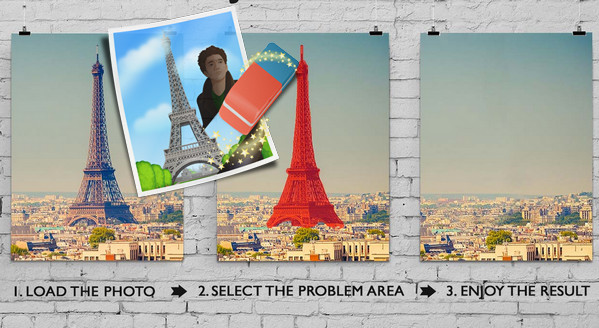
Removing objects and/or people from your photos becomes child's play with this software! InPaint lets you erase any element from a photo: simply color it in with the red marker and then click "Transform." InPaint will take care of removing the unwanted object and recreating the background!
Configuration:
– Windows (32/64 Bits): XP/Vista/7/8/8.1./10
– Processor: Pentium clocked at 500 MHz.
– RAM: 512 MB
– Hard Drive: 30 MB of free space.
Facility:
– It's a portable version!
– Simply launch the Inpaint_Portable.exe file
– Set to French by clicking on Edit / Preferences
* If it asks you for a key, several are available in the Keys.txt file
- Language: Multilingual (French included)
- Size: 25.9 MB
This article was updated on September 29, 2016