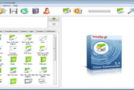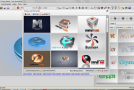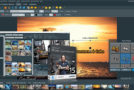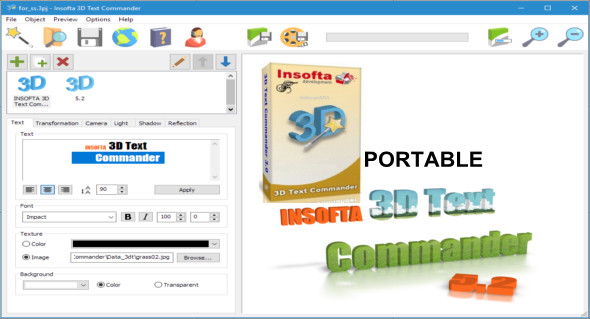
3D Text Commander writes or converts any plain text into 3D text, allowing you to create and save 3D text banners, logos, and messages on your computer for use in presentations or on your web pages.
This tool is easy to use: enter text of any size on one, two, or more lines, center it or align it with the left or right margin, and choose the font, size, and style. Preview your final 3D text in the real-time preview window; rotate it as you wish simply by dragging with your mouse. All operations are performed on a single screen, and the assistant, with its predefined templates and library of pre-filled textures, won't leave you feeling lost or overwhelmed by the application's depths.
Features of Insofta 3D Text Commander
– Attract your readers' attention with a 3D animated banner.
– Compose a scene from several 3D texts.
– Take advantage of the free texture library.
– Decorate your 3D text with realistic 3D shadows and reflections – by moving the light and playing with its intensity.
– Send your high-resolution 3D text banner with final antialiasing up to 4,000 x 4,000 pixels directly to the editor; ignore countless conversion operations and save them directly in the format you need.
– Insofta 3D Text Commander Portable
Version : 5.6.0
Language : Multilingual (French included)
Size : 33.68 MB
Configuration:
– Windows (x32/x64 Bits): XP, Vista, 7, 8, 8.1, 10
Insofta 3D Text Commander 5.6.0 + Portable
This article was updated on December 7, 2020