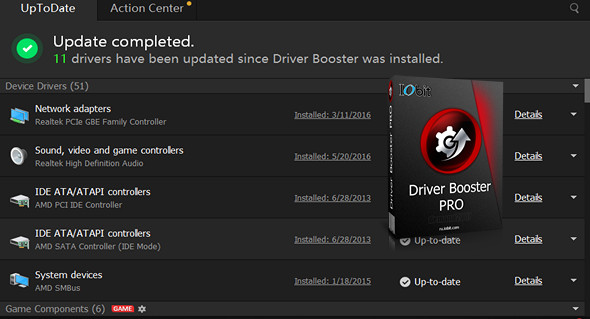
Driver Booster PRO is introduced to automatically download and update drivers for you with a single click, saving you valuable time and making your PC more stable.
Driver Booster PRO can always be the first to identify outdated drivers and download and update them at unparalleled speed. With its backup feature, it's a simple, efficient, and risk-free solution for keeping your drivers up to date.
Update outdated drivers safely and quickly
– Support for other peripherals and improved PC performance
– Update 300% drivers faster with a single click
– Specialized Driver Tweaking for Top Gaming Experience
– Backup drivers for secure restoration
Driver Booster Pro:
– Download and update outdated drivers in one click
– Improve hardware functionality for optimal performance
– Automatically identify outdated drivers
– Support for more comprehensive hardware peripherals
– Take advantage of priority to quickly update outdated drivers
– Backup drivers for secure restoration
– Download and update drivers up to 300% faster
– Automatic update to the latest version.
Configuration:
– Windows (x32/x64 Bits): XP, Vista, 7, 8, 8.1, 10
– Processor: 1 GHz
– RAM: 512 MB
– Disk space: 30 MB
Facility :
1. Turn off the internet connection.
2. Install the program IObit Driver Booster Pro 4.4.0.512.exe
3. Enter the license number indicated in the file Nserie.txt
4. In the host file In Windows, we add the following lines:
127.0.0.1 idb.iobit.com
127.0.0.1 asc55.iobit.com
127.0.0.1 is360.iobit.com
127.0.0.1 asc.iobit.com
127.0.0.1 pf.iobit.com
5. Restore the internet connection.
Language Multilingual (including French)
Size : 14.9 MB
This article was updated on May 6, 2017