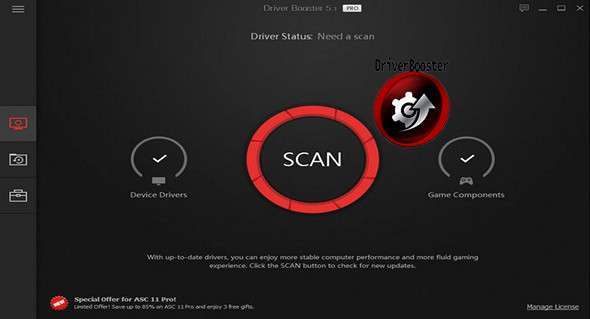
Updating drivers is generally a first step to prevent hardware failures, system instability, and hidden security vulnerabilities. Regularly updating drivers is also an effective way to improve your PC's overall performance and maximize your gaming experience. However, this process can be risky and frustrating if done manually. Driver Booster PRO is designed to automatically download and update drivers for you with a single click. Leveraging a cloud-based driver library, Driver Booster PRO can always be the first to identify outdated drivers and download and update them at unparalleled speed. With its backup feature, it's an easy, efficient, and risk-free way to keep your drivers up to date.
Update drivers quickly and securely
• Support for multiple hardware devices and improved PC performance
• Update 300% drivers faster with a single click
• Specialized driver tweaking for a high-end gaming experience
• Driver backup for safe restoration
Booster Pro Features:
• Download and update outdated drivers in one click
• Improve hardware functionality for better performance
• Specialized driver tweaking for a high-end gaming experience
• Automatically identify outdated drivers
• Support for more comprehensive hardware peripherals
• Take advantage of priority to quickly update outdated drivers
• Driver backup for safe restoration
• Download and update drivers up to 300% faster
• Automatically update drivers to the latest version
Configuration:
– Windows (x32/x64 Bits): XP, Vista, 7, 8, 8.1, 10
– Processor: 1 GHz
– RAM: 512 MB
– Disk space: 30 MB
Language Multilingual (including French)
Size : 20.7 MB
This article was updated on November 17, 2017